You haven't signed in yet, you can have a better experience after signing in
DriverMax computer driver download update management tool software
Activity Rules
1、Activity time:{{ info.groupon.start_at }} ~ {{ info.groupon.end_at }}。
1、Activity time:cease when sold out。
2、Validity period of the Group Buying:{{ info.groupon.expire_days * 24 }} hours。
3、Number of Group Buying:{{ info.groupon.need_count }}x。
Please Pay Attention
1、Teamwork process: Join/initiate a Group Buying and make a successful payment - Within the validity period, the number of team members meets the activity requirements - Group Buying succeeded!
2、If the number of participants cannot be met within the valid period, the group will fail, and the paid amount will be refunded in the original way.
3、The number of people required and the time of the event may vary among different products. Please pay attention to the rules of the event.
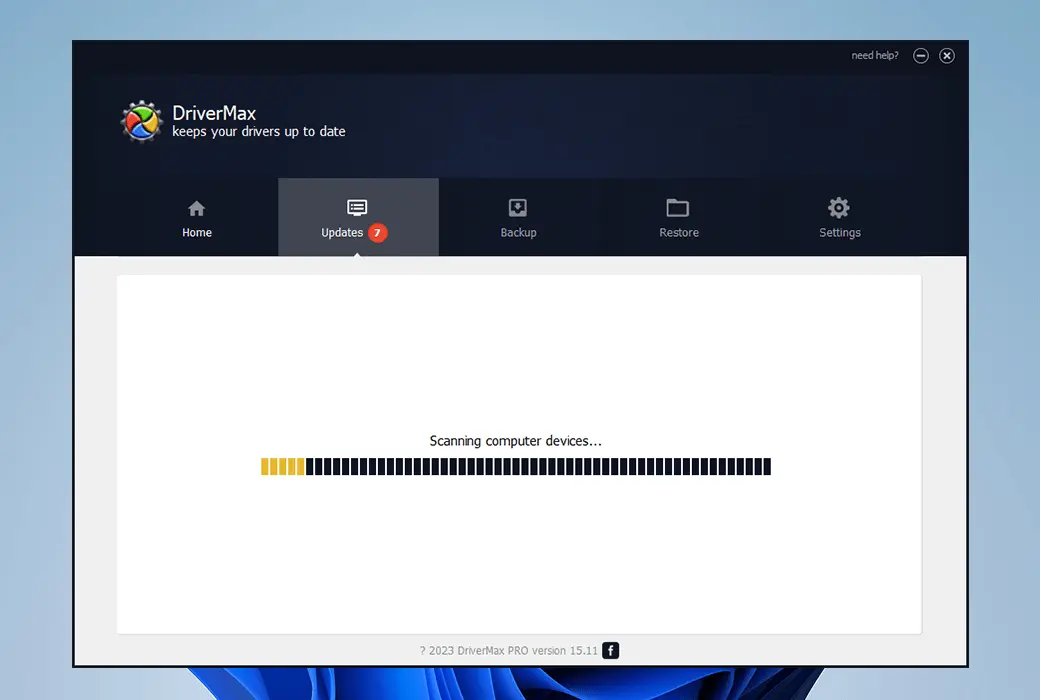
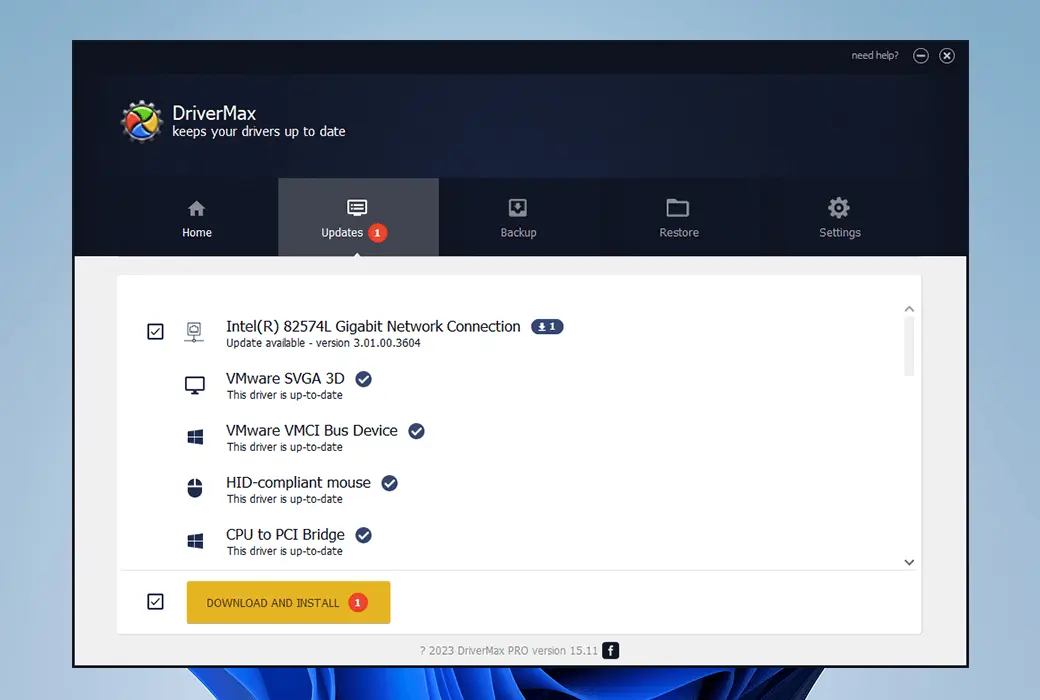
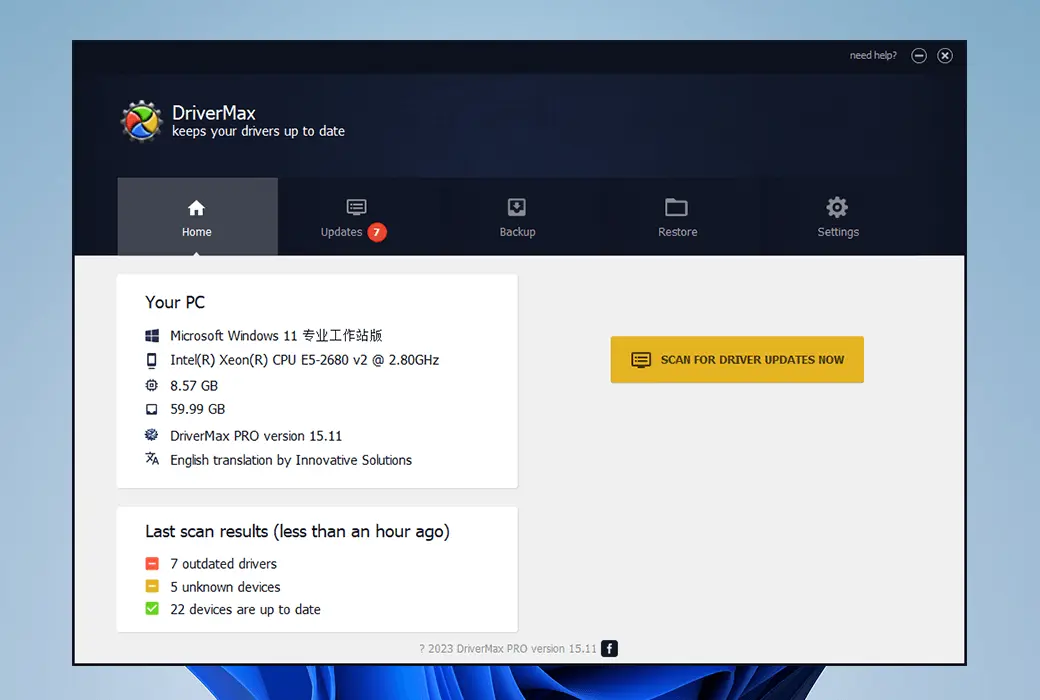
DriverMax is a computer driver management software. It can scan your system and identify missing or updated drivers, and can download and install the latest version of drivers from the Internet. This can help you ensure that your system always uses the latest drivers to improve system performance and stability.
Automatic update
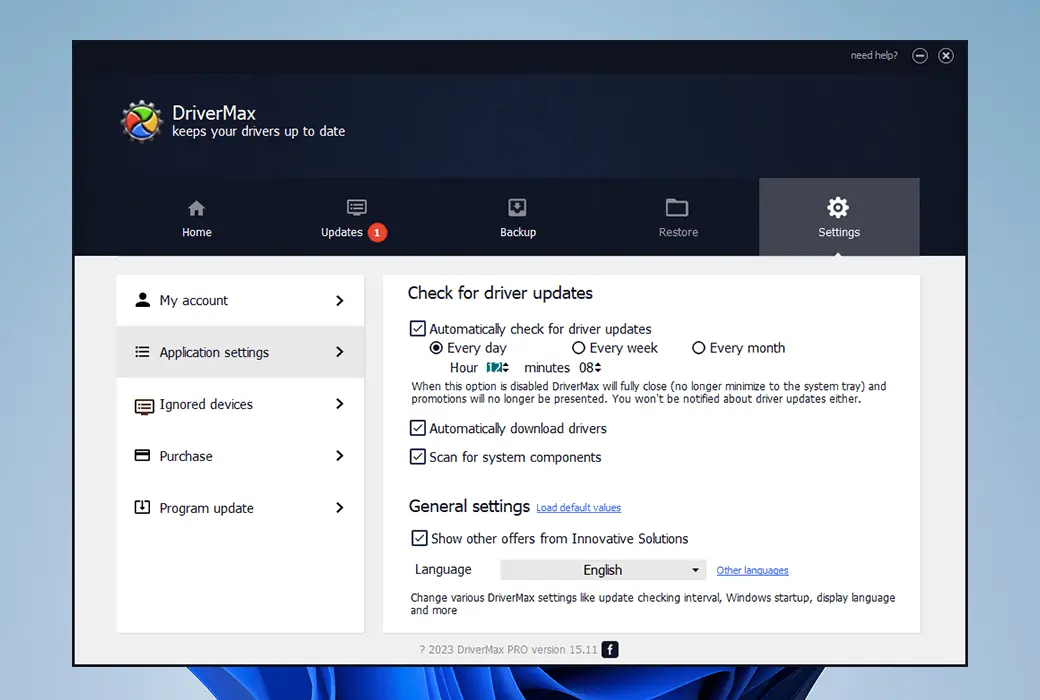
DriverMax supports automatic installation, regular scanning, and complete device driver backup. It can be set to check for driver updates at any time, any day, week, or month and download them for you. You can find driver updates for 32-bit and 64 bit versions applicable to Windows 11, Windows 10, Windows 8.1, Windows 8, Windows 7, Windows Vista, and Windows XP.
Improve PC efficiency
A driver is a component that enables internal hardware or devices connected to a computer to function properly. DriverMax reduces system freezing and failures by providing you with the latest and best updates to improve the performance of your PC.
Always obtain the latest version of drivers
Latest version applicable to over 2.3 million devices
DriverMax analyzes your existing drivers and provides the latest versions for over 2.3 million devices. An intelligent and unique online self-learning technology ensures that only the most appropriate and recent versions are installed. The latest version of DriverMax will also notify and install various software packages to improve Windows performance. These include Open AL, DirectX, C++runtime, Oracle Java, etc.
Improve security
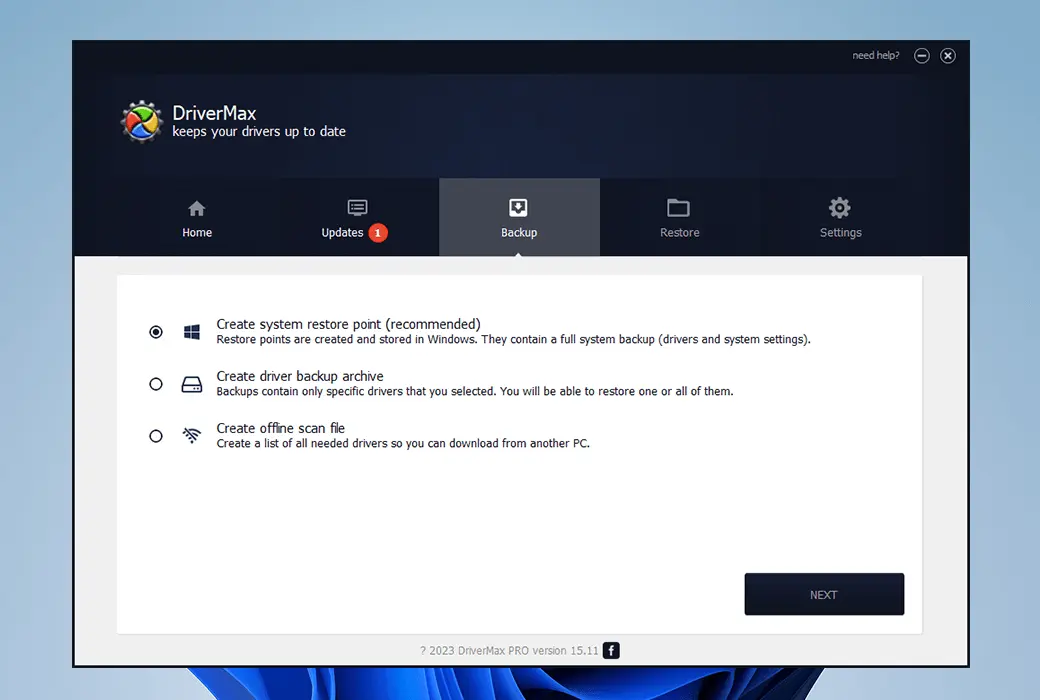
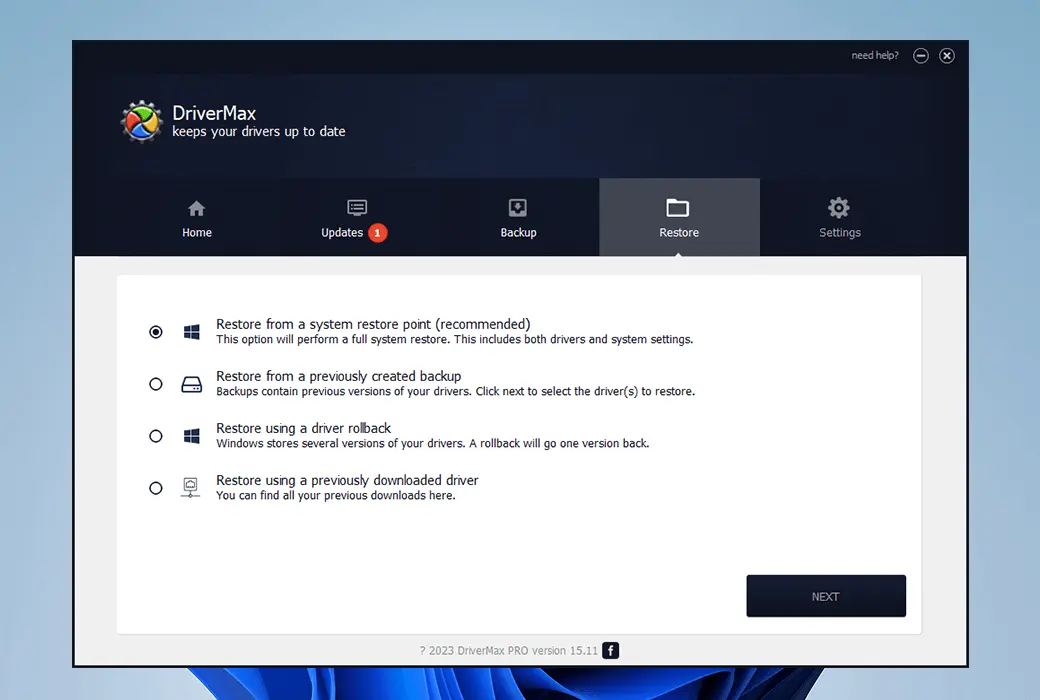
DriverMax automatically tests each new driver before installing it on a PC to ensure it works properly. In addition, it also backs up the current driver and creates a system recovery point, allowing for quick rollback installation. Before providing it to users, all controllers will be thoroughly scanned to detect viruses and threats.

Official website:https://www.drivermax.com/
Download Center:https://driverxax.apsgo.cn
Backup Download:N/A
Delivery time:Manual processing
Operating platform:Windows
Interface language:Supports English interface display, with multiple languages available.
Update instructions:Supports 1 year of use and updates.
Pre purchase trial:Free trial before purchase.
How to receive the goods:After purchase, the activation information will be sent to the email address at the time of placing the order, and the corresponding product activation code can be viewed in the personal center, My Orders.
Number of devices:Can install 20 computers.
Replacing the computer:Uninstall the original computer and activate the new computer.
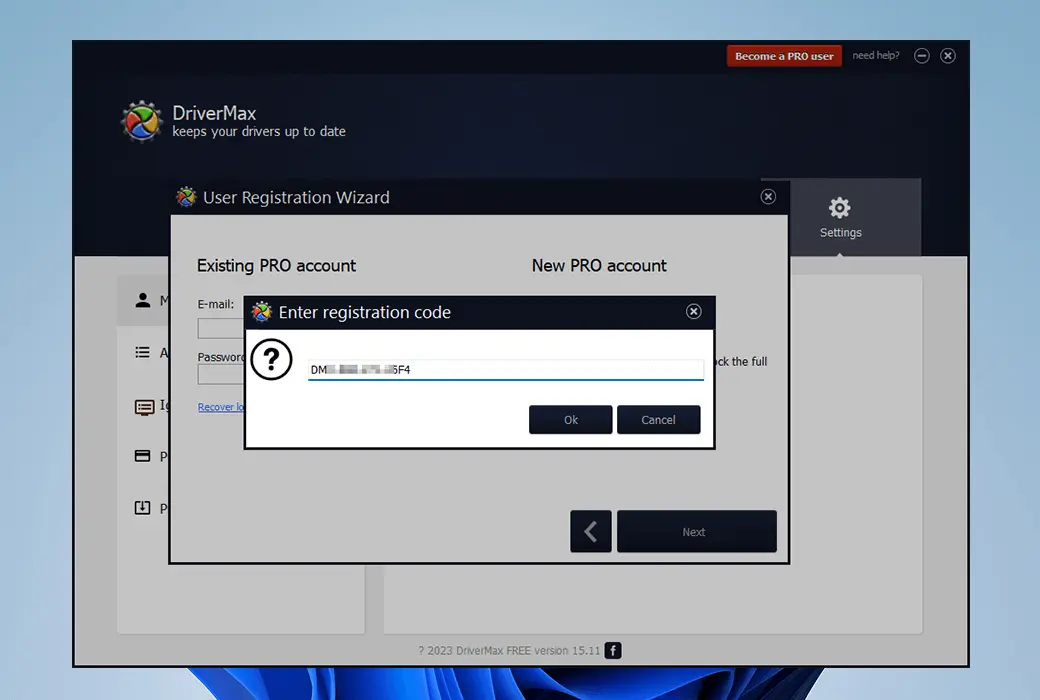
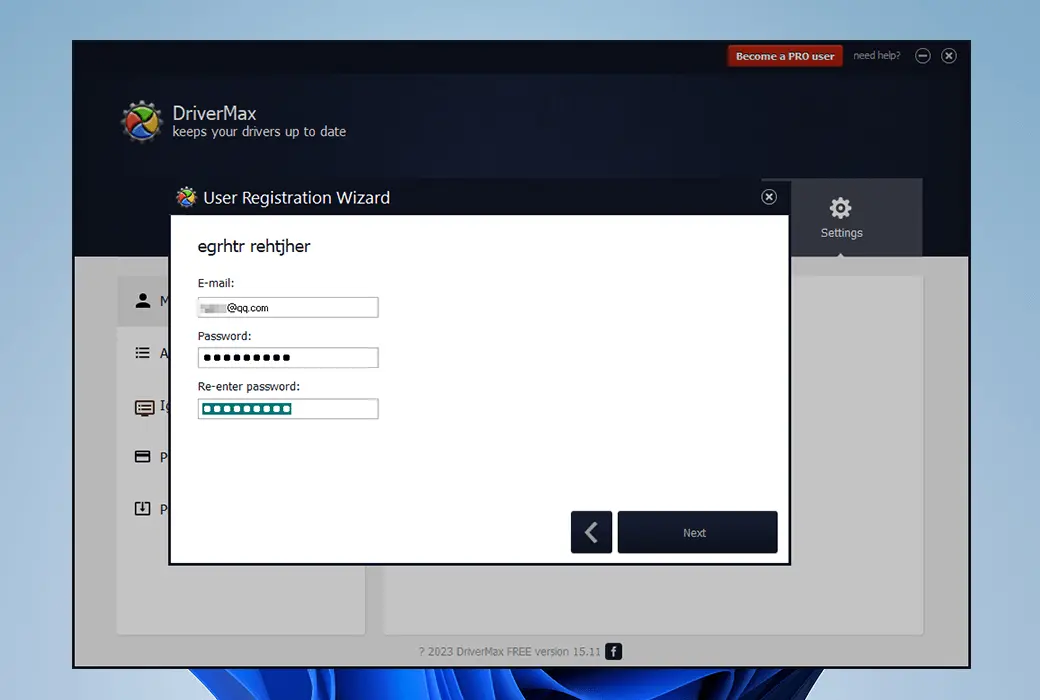
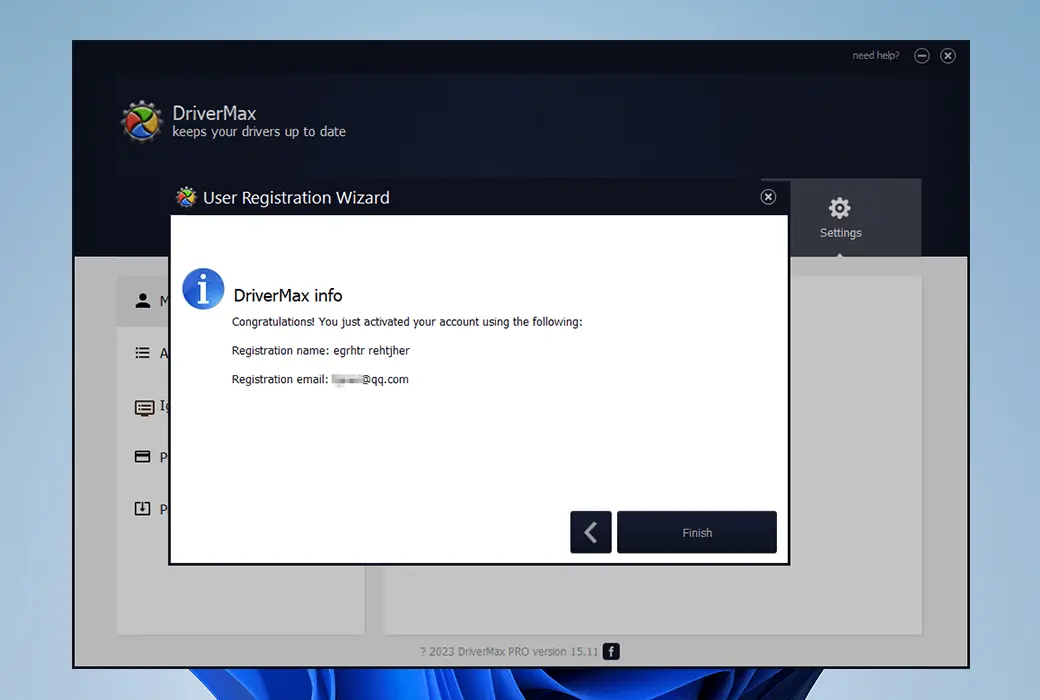
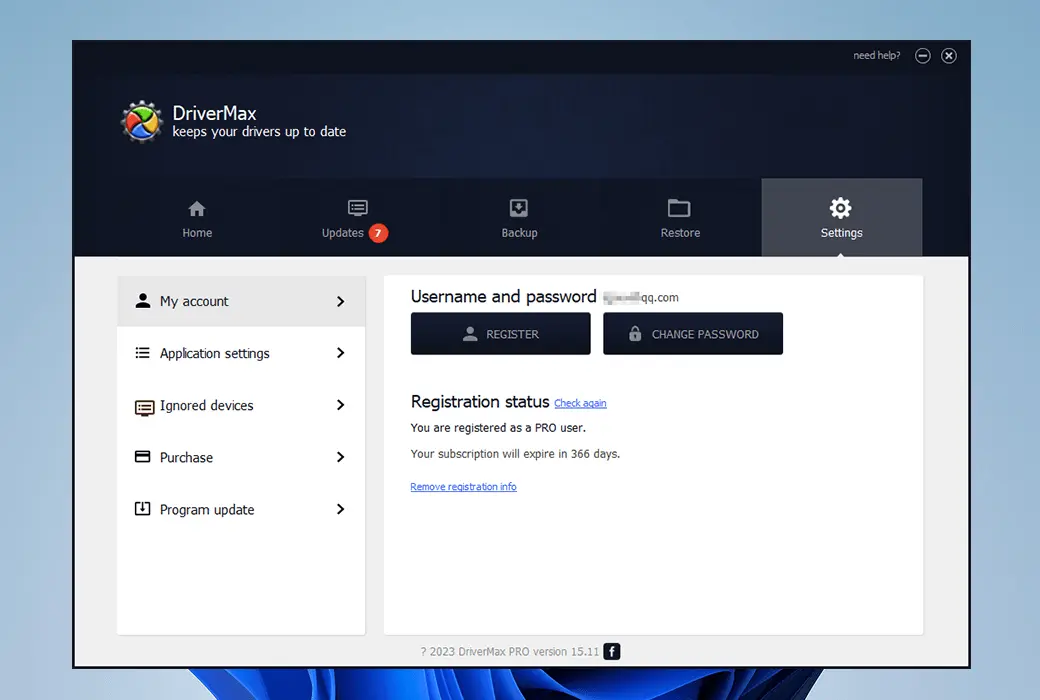
Activation guidance:Settings -> REGISTER -> Next -> Enter reqistration code, Copy and paste the registration code, then click Next and follow the prompts to enter your email and password to create an account.
Special instructions:To be added.
reference material:https://www.drivermax.com/faq/index.htm
Any question
In most cases, writing device drivers is considered a challenge, as it requires a deep understanding of how a specific platform works at both the hardware and software levels.
Since many device drivers run in kernel mode, software vulnerabilities often have a more devastating impact on the system.
This is different from user-level software under most modern operating systems, which can be shut down without causing significant impact on other parts of the system.
Even for drivers running in user mode, if they are programmed incorrectly for the controlled device, they can still cause system crashes.
These factors make diagnosing problems more difficult and dangerous.
All of this means that the engineers most likely to write device drivers come from companies that develop hardware.
This is because they have more comprehensive access to hardware design information than most outsiders.
Furthermore, traditionally, hardware manufacturers believe it is in their interest to ensure that customers can use their hardware in the best way possible.
However, in recent years, non-manufacturers have also written a large number of device drivers, mainly for free operating systems.
In this case, vendor cooperation is still important, as hardware reverse engineering is more difficult than software, meaning that learning to operate unknown hardware interfaces can take a long time. In the Windows domain, Microsoft has attempted to address the issue of system instability caused by poorly written device drivers by creating a new driver development framework called Windows Driver Foundation (WDF).
This includes the UMDF user-mode driver framework, which encourages the development of certain types of drivers - mainly those implementing message-based communication protocols with devices - as user-mode drivers.
If these drivers fail, they will not cause system instability.
The KMDF kernel-mode driver framework model continues to support the development of kernel-mode device drivers, but attempts to provide standardized implementations for functions that are known to cause issues, including canceling I/O operations, power management, and Plug and Play device support.